
A good US Saturday viewing plan starts with your Premier League club’s confirmed fixture, then adds a college football game around it. Check the match date, convert the kickoff for that date, and verify the US channel before deciding that the two events fit. An English afternoon match can be an American morning game, but a later Premier League kickoff can also run directly into college football.
This guide is for supporters watching in the United States who want a manageable doubleheader. It uses examples checked on October 23, 2026, including the approaching UK clock change. The examples explain the decisions; they are not a permanent weekly TV grid. Begin with the current Premier League weekend fixtures, then apply the same checks to the college game you want most.
Start with your club’s actual Saturday fixture
Choose the Premier League match you care about before choosing a convenient television window. A supporter following one club has a different task from a neutral looking for an early game. The first needs that club’s actual fixture; the second can compare the available Saturday options. Neither should assume that every match remains on the date shown when the season schedule was first released. Broadcast selections and other competitions can change the arrangement.
The October 24, 2026 Chelsea–Tottenham match makes the distinction concrete. Chelsea’s official preview lists Saturday at 5:30 p.m. UK time, while Peacock’s weekly schedule lists 12:30 p.m. ET. For an East Coast supporter, that is a midday commitment. If the college game you choose starts at noon Eastern, these events overlap; they are not a straightforward morning-then-afternoon pairing. The club you follow can therefore determine the shape of the entire day.
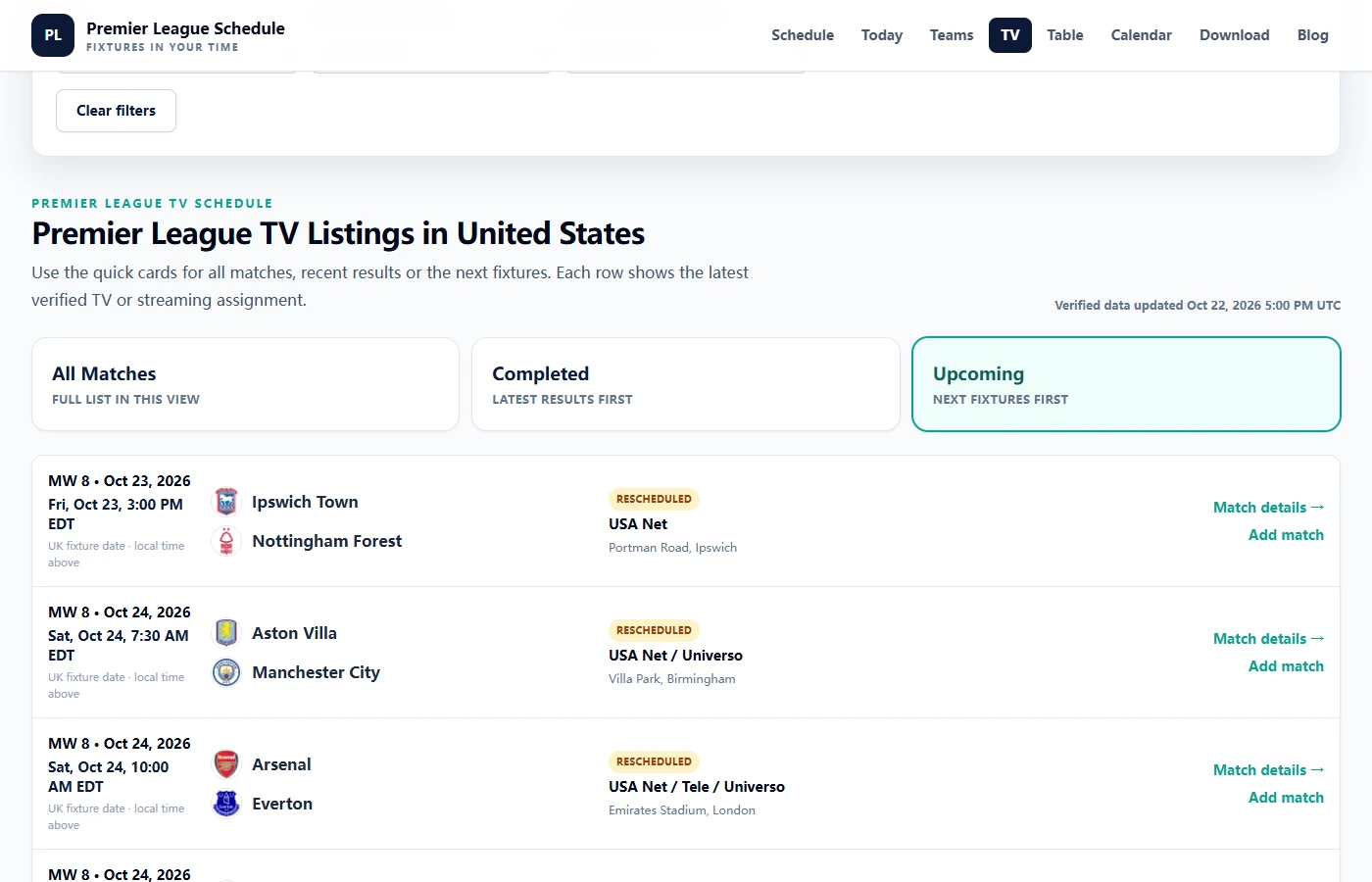
A neutral has more room to choose. Peacock’s same October 24 listing includes Coventry City–Fulham at 10:00 a.m. ET, a different starting point for a two-sport day. That does not make it a better match for everyone. It simply means the earlier fixture and the later derby create different planning problems. Decide whether your priority is a particular team, a particular match, or finding an enjoyable game in an available window. Otherwise you can spend the morning switching between plans without watching either event properly.
Use the league’s fixture amendment notices to understand why dates move, then check the current club preview and US broadcaster for the match you selected. A UK Sky Sports or TNT Sports label answers a UK coverage question. It does not identify your American service. Likewise, a programme’s coverage start and the match’s kickoff are different times; record the kickoff first, then add any pregame coverage you personally want.
Protect a viewing block around the match rather than treating its kickoff as a single calendar point. Halftime, added time and your interest in post-match discussion affect when you will be ready to switch. You can decide to skip the studio discussion, but you cannot make the final whistle happen at a guaranteed minute. Leave an explicit buffer when the next game matters, and identify an overlap before Saturday rather than discovering it when the second broadcast has already begun.
Convert the match date, not a memorized offset
“Subtract five hours from the UK” is a useful memory aid for many East Coast weekends, but it is not a year-round conversion method. The date matters because the UK and United States do not always change their clocks together. Record the match’s date and original timezone before converting it.
That also helps explain an apparent change in your viewing time. A fixture can remain at the same UK kickoff while its American display moves by an hour. Check whether the fixture itself changed or whether the two places now have a different clock offset before rearranging the rest of your day.
The October clock-change gap
GOV.UK lists October 25 as the 2026 return to Greenwich Mean Time. NIST lists November 1 as the end of daylight saving time in observing US regions. During the intervening week, London is four hours ahead of New York rather than five. The table converts sample UK kickoff slots; it does not claim that a match has been assigned to every slot.
| UK slot | Oct. 24 ET / PT | Oct. 31 ET / PT |
|---|---|---|
| 12:30 p.m. | 7:30 a.m. / 4:30 a.m. | 8:30 a.m. / 5:30 a.m. |
| 3:00 p.m. | 10:00 a.m. / 7:00 a.m. | 11:00 a.m. / 8:00 a.m. |
| 5:30 p.m. | 12:30 p.m. / 9:30 a.m. | 1:30 p.m. / 10:30 a.m. |
The practical effect is on the space between games. A Premier League slot that normally starts at 10:00 a.m. Eastern starts at 11:00 a.m. on that October 31 comparison. If your chosen college game starts at noon, the overlap becomes more substantial. Recheck the whole pair, not just your alarm. After the US change on November 1, the usual five-hour London–New York difference returns, but the next fixture still needs its own date-based check.
Eastern and Pacific plans need different buffers
The same broadcast can mean breakfast in New York and a very early alarm in Los Angeles. In the October 24 example, 7:30 a.m. Eastern is 4:30 a.m. Pacific. A supporter who watches that early slot may reasonably prefer only one later college game. A later Premier League fixture can be easier for a West Coast morning, while still overlapping the same college broadcast that an East Coast friend is watching. Different local routines do not change which events overlap.
Use a named local timezone in your calendar and compare one imported event with the official listing. The Premier League calendar tool lets you choose the league or selected teams and receive a subscription feed. Once your calendar has converted the event correctly, do not subtract another offset manually. Keep your chosen reminder separate from kickoff so an alert fifteen minutes early does not become the time you tell friends the match starts.
NIST’s local-time guide also explains why one US rule does not cover every viewer: Hawaii and most of Arizona do not observe daylight saving time. If you travel, check the timezone your device and calendar are actually displaying. Share the date plus ET or a named city with friends, then let each person convert it once. “Same time as last Saturday” is precisely the shortcut that can fail during a clock-change week.
Check each game’s channel before building a doubleheader
The next question is whether you can actually watch both selected games. A service carrying two competitions does not necessarily carry your two fixtures. Peacock’s Premier League page describes selected live matches, while its college football offering includes selected Big Ten and Notre Dame coverage. That creates possibilities for a Saturday doubleheader, but it is not an all-games package for either sport. Write the broadcaster beside each individual matchup before deciding that one account solves the day.
Check the event listing in the service you intend to use, then confirm that your account and viewing device can access it. A television channel name and a streaming service name are not interchangeable instructions. If a fixture lists a channel you already receive, investigate that existing access before adding another subscription. Also distinguish the beginning of studio coverage from kickoff: a provider may invite you into the stream early. Your viewing plan can include the buildup, but the time comparison between sports should use the confirmed start of play.
For the college half of the plan, CollegeFootballSchedule.net’s schedule finder lets you narrow the list by week, team, conference and television network. It is operated within the same project as this site; we recommend it here as a related planning tool. Its listings use Eastern time and identify details that remain TBA. Start with the team you care about, or a date and network you can receive, rather than choosing an appealing matchup and discovering the access problem when the players arrive on the field.
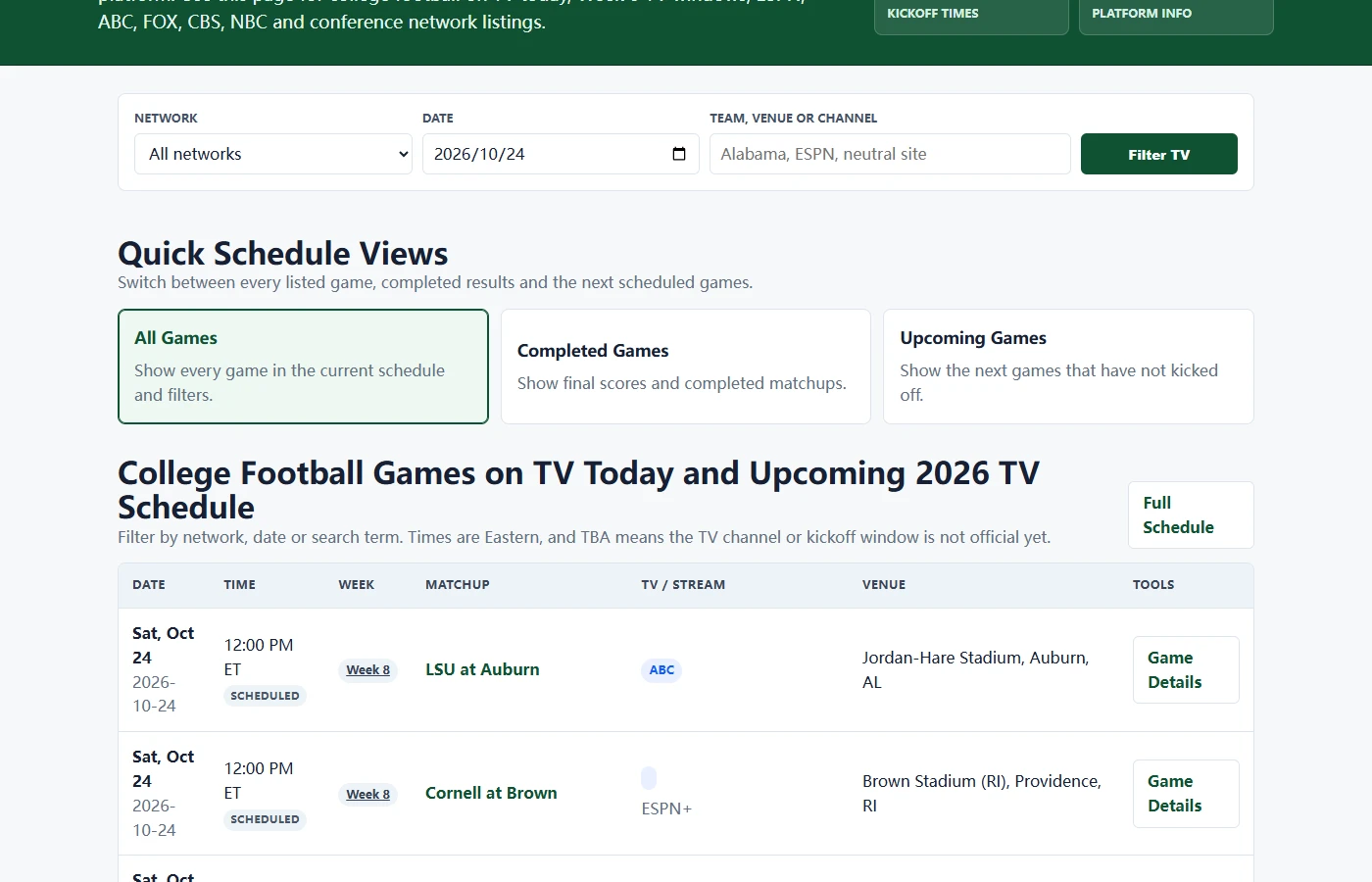
The related college football TV schedule is useful when access is the deciding factor. Set the date first, then narrow by network or search for a team. An unfiltered season table can include completed games, so seeing an attractive pairing in the list is not enough. Read the row’s date, Eastern kickoff and TV field together, and verify your chosen game with its school or broadcaster before committing. The page helps you find a listing; it does not provide a live stream or confer subscription access.
At that point the practical decision is small: keep the pairing if both assignments and access work, replace the optional game if they do not, or decide whether watching that particular event justifies another service. There is no need to buy access to every possible Saturday window. A TBA entry is a reminder to return later, not a channel prediction. Equally, a convenient pairing this week does not establish next week’s broadcast arrangement. Save the two confirmed event listings alongside your calendar entries so the final check takes minutes instead of another broad search.
Choose a primary game when the windows overlap
Some Saturdays simply do not offer the sequence you want. On October 24, 2026, the NCAA television schedule lists Rutgers at Northwestern at noon ET on Peacock. Chelsea against Tottenham begins half an hour later. Those are competing live commitments, even though the broadcaster may make both available to you. Calling that combination a doubleheader hides the decision you still need to make. If you want to watch each game continuously from kickoff, choose which one matters most before opening either stream.
For a Chelsea supporter who also follows Northwestern, that may be a difficult choice. For a neutral college viewer, it may be easy to select a later game instead. The same NCAA listing places USC at Wisconsin at 7:30 p.m. ET on NBC that Saturday, illustrating a genuinely different part of the day. It is an option to investigate, not an instruction to abandon your own team. A useful plan records the primary game, an optional second game and the point at which you would switch. If the college team is your priority, make that decision explicit before the soccer broadcast begins. If the derby takes priority, decide whether to join the college game in progress or save it for later. Switching repeatedly without a preference can leave you missing the important stretches of both games. That is more honest than promising yourself uninterrupted coverage of two overlapping contests.
Replay can solve the conflict only after you check the specific event. Peacock says Premier League games streamed live on Peacock and NBC become available for replay shortly after their livestreams finish. That is not a promise that your match will be ready at the exact minute you want to start it. If watching later matters, confirm the replay listing and avoid score alerts for that fixture. Consider whether the stream’s landing page, a notification or the other broadcast could reveal the result. For some supporters, a later full match is preferable to half-watching two live feeds; others value being present for the live result.
Once you have made that choice, keep the plan easy to maintain. A team-specific subscription from the Premier League calendar can receive fixture changes when your calendar provider refreshes the feed. A one-time downloaded file is a snapshot, so it needs a separate update habit. Neither method removes the final broadcaster check, and subscribed changes may not appear immediately. Add a reminder early enough to verify access and prepare the screen, rather than scheduling the reminder for the instant of kickoff. Leave the space between events uncommitted where possible; a tightly packed calendar can conceal a fragile viewing plan.
The finished Saturday plan should fit on a short note: your club’s confirmed fixture, its date-specific local kickoff and channel, the college matchup with the same details, and the priority if the windows collide. Revisit the US Premier League TV listings and the college broadcaster the day before, especially when a time was previously provisional. Protect a break as deliberately as you protect the games. Next Saturday may have a different club slot, a new college assignment or a different UK–US clock offset. Repeating the checks is more reliable than repeating the previous weekend’s timetable.
Comments
Ask a useful question or share a helpful tip. Comments are reviewed before publication.
Loading comments…